Edit & Retouch Photos
Select an image from your gallery and personalize it with AI-powered editing tools. Preview AI portraits, apply photo filters and retouch facial details to create your preferred look.
Transform your photos with AI Photo Editor & Enhancer. Retouch portraits, remove unwanted objects, swap faces, change backgrounds and explore artistic styles to give your pictures a fresh new look.
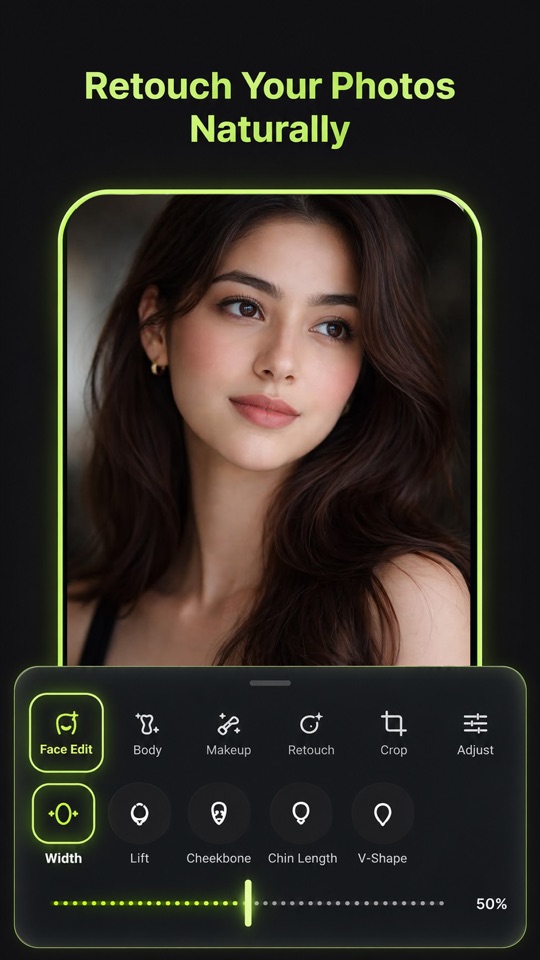
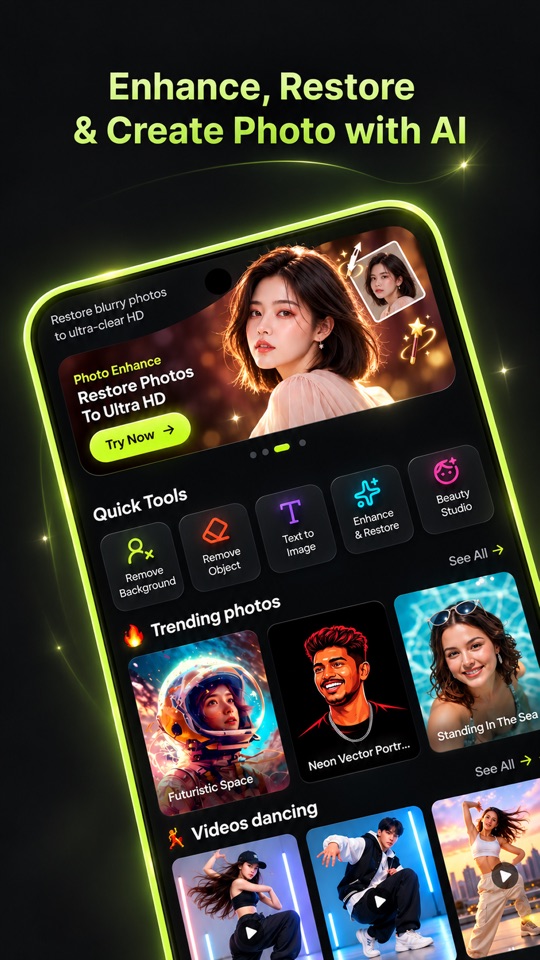
From quick touch-ups to imaginative AI artwork — multiple creative tools brought together in one place.
Select an image from your gallery and personalize it with AI-powered editing tools. Preview AI portraits, apply photo filters and retouch facial details to create your preferred look.
Clean up your pictures by removing distracting elements. Adjust the brush size to select the areas you want to erase and create a cleaner-looking image.
Improve your photos with a single tap. Adjust lighting, enhance image clarity and compare the original picture with the processed result side by side.
Experiment with face-swapping effects to create different portrait variations. Give your photos a playful twist or explore new visual possibilities with AI face editing.
Turn ordinary photos into creative artwork with a variety of AI styles and photo effects. Try different portrait aesthetics to find a look that suits your imagination.
Remove the existing background from your photos and try different background themes. Create new visual scenes and give your images a different atmosphere.
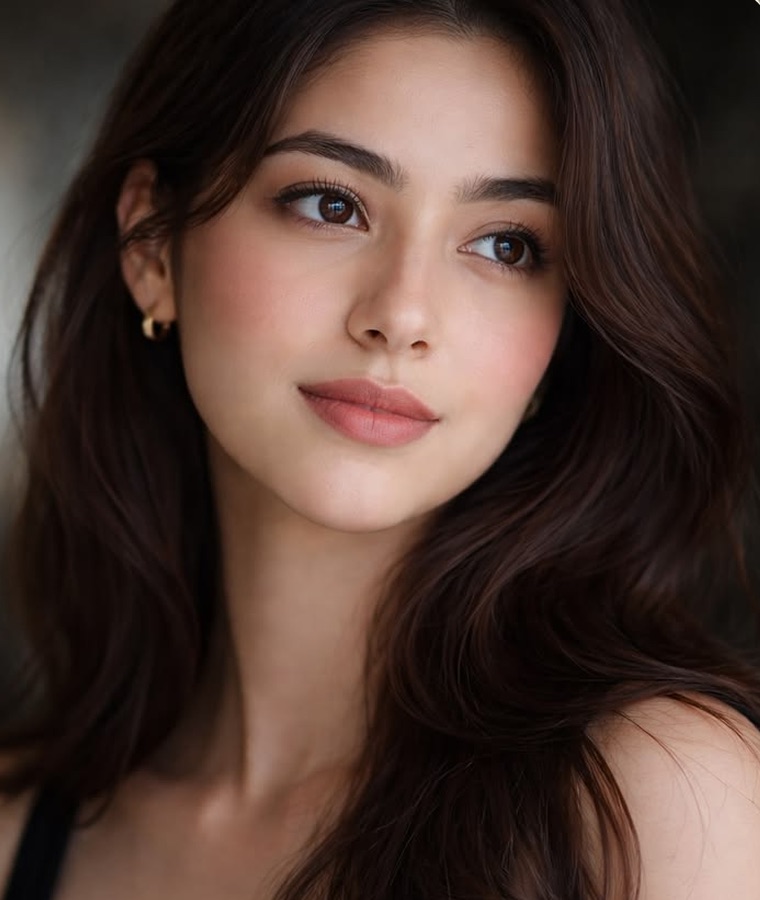
Drag the slider to compare. Bring dull, blurry or dark photos back to life — brighter lighting, sharper details and richer colors in a single tap.
No design skills needed. Just pick a photo and let AI do the magic.
Launch AI Photo Editor & Enhancer on your device.
Choose any picture from your gallery to start editing.
Face retouching, object removal, face swap or style transformation.
Preview your edited image and save the result to share.
Try different portrait aesthetics and artistic transformations to give your pictures a whole new vibe.
Vivid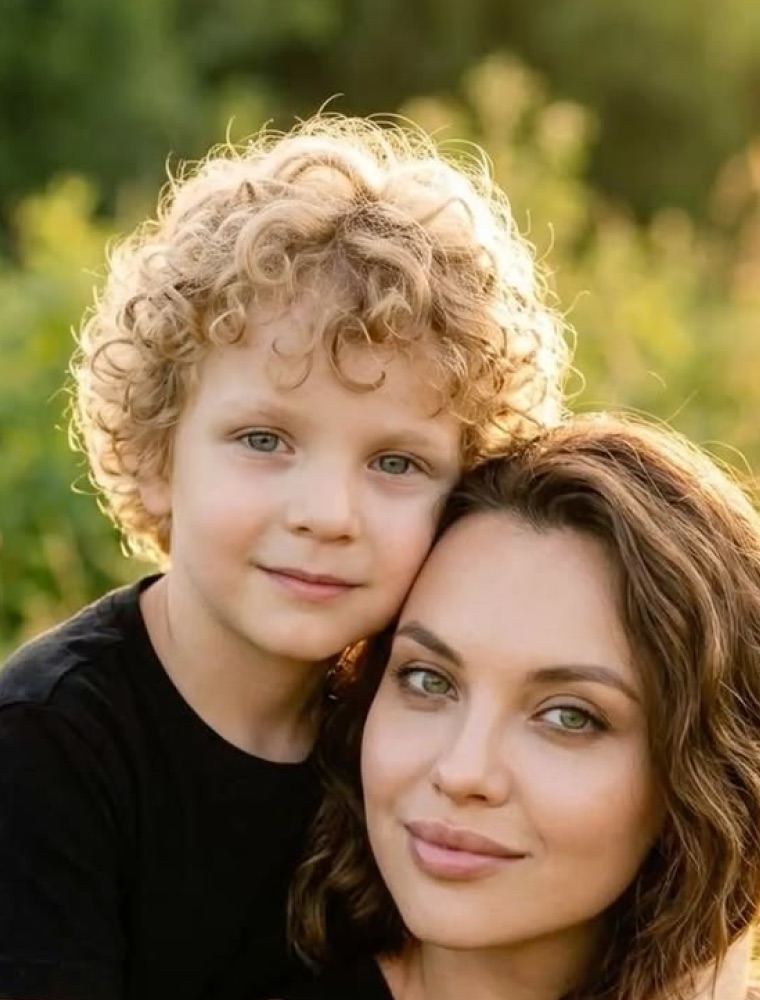 Vintage
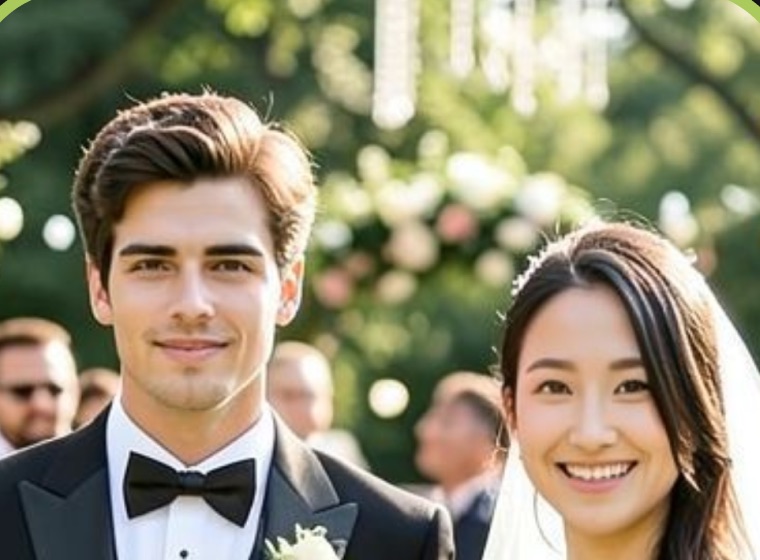 Cinematic
 NoirDreamy
Enhance, retouch, face swap, restore old photos and animate your memories — all with AI.
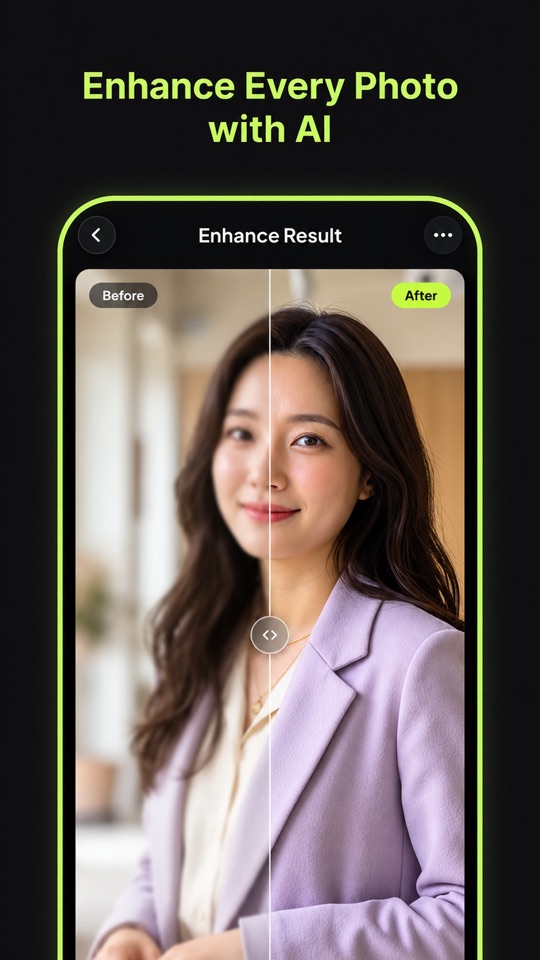

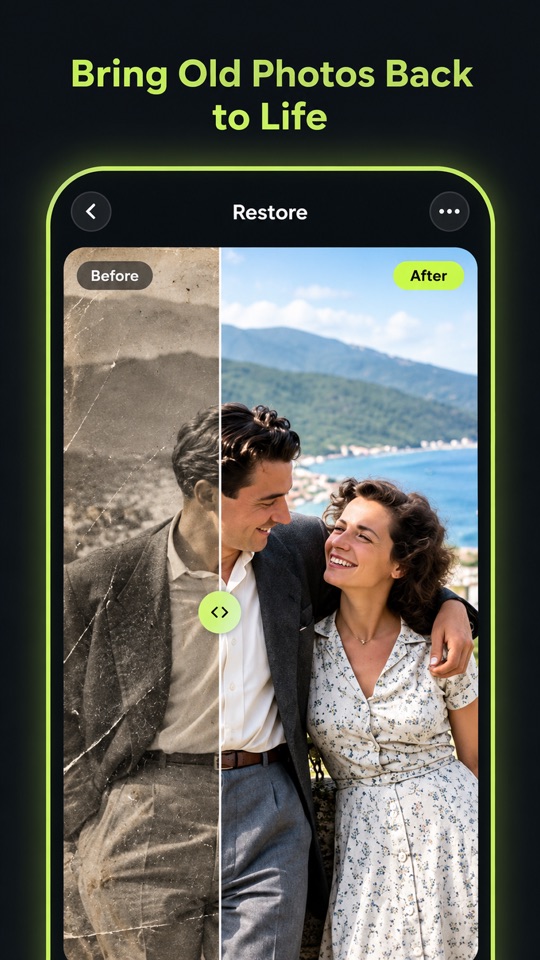
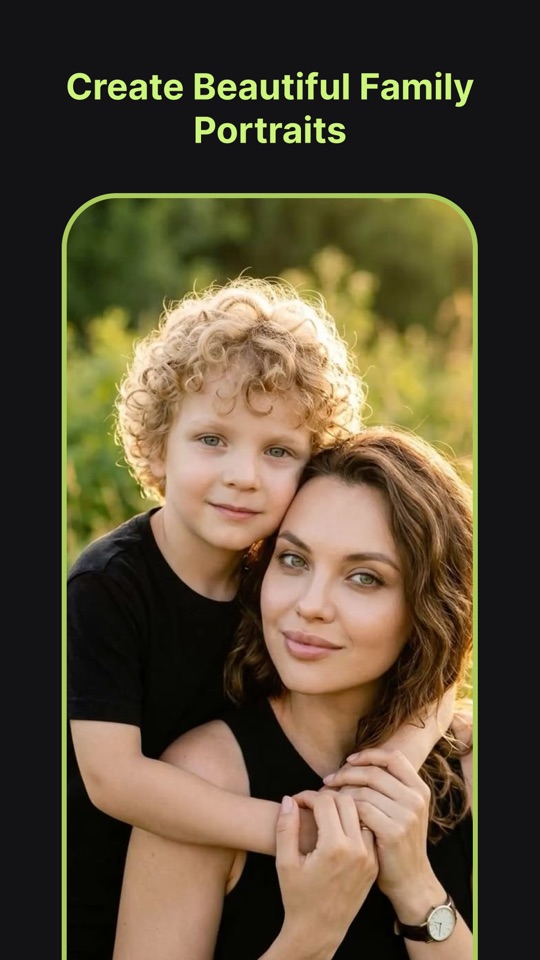

You can retouch portraits, enhance photo quality, remove unwanted objects, swap faces, remove or change backgrounds, apply filters and transform your photos into AI artwork — all in one app.
Open the object removal tool, adjust the brush size, paint over the area you want to erase, and the AI will clean it up to create a neater-looking image.
Yes. After enhancing, you can compare the original picture with the processed result side by side before saving.
The app is available for Android devices on Google Play.
We'd love to hear from you! Leave a review on Google Play or email us at media.zcloud@gmail.com. Your feedback helps us improve the app.
Enhance your pictures, experiment with different looks, and turn your ideas into personalized visual creations.
GET IT ONGoogle PlayYour recommendations and feedback help us improve every day. Thank you very much ❤️